field time tracking rollout
Field Time Tracking Rollout: A Step-by-Step Plan
Plan a field time tracking rollout that sticks: decisions to make first, GPS and privacy rules, a pilot, supervisor review routines and a go-live checklist.
Plan a field time tracking rollout that sticks: decisions to make first, GPS and privacy rules, a pilot, supervisor review routines and a go-live checklist.
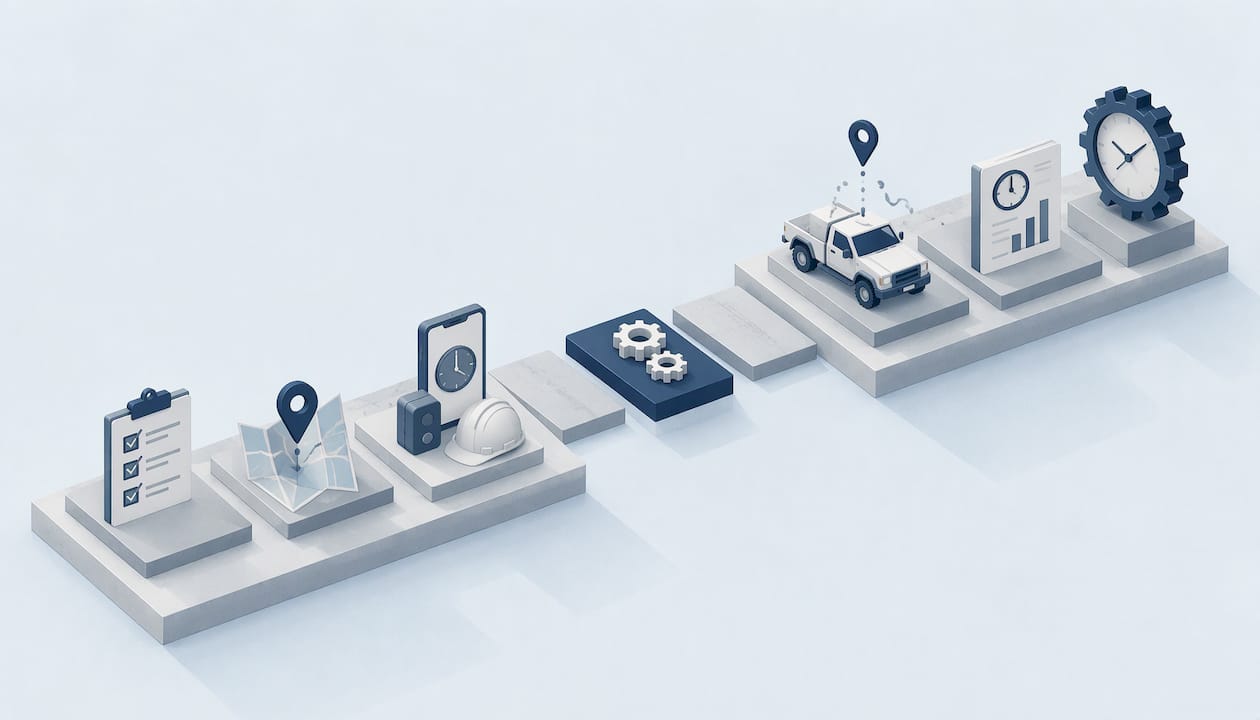
A field time tracking rollout works when you settle the policy questions before you pick a launch date, verify who is clocking in and where, and give supervisors a fixed review routine. The software is the easy part. Most rollouts stall because nobody decided whether crews use personal phones, what GPS data is used for, or who fixes a missed punch. This guide walks through the full rollout in the order you should do it. Clock-Me is built for exactly this job: verified GPS clock-ins, identity checks and live dashboards for teams that work away from the office.
Office time clocks work because everyone walks past the same door. Field crews are spread across job sites, vehicles and client locations, so the old habits (paper sheets, texted hours, a foreman’s memory) fill the gap. When you replace them, workers notice three things fast: whether the app drains their phone or data plan, whether it feels like surveillance, and whether it gets their hours right.
That means a rollout is a change-management project with a technology piece, not the other way around. The steps below follow that order: decide, configure, pilot, communicate, launch, then review.

A legal memo from the Finishing Contractors Association advises contractors to finalize the app-based timekeeping plan before announcing it. It lists the questions workers will ask on day one:
Write one-sentence answers to each. If you cannot answer one, you are not ready to announce. These answers become your timekeeping policy, and they are the page crews will read before they trust the new system.
Two of these deserve extra thought.
Personal vs. company phones. Personal phones keep hardware costs down, but they raise the expense and privacy questions above. Decide, write it down, and apply it the same way to every crew. If some workers have no smartphone, a shared device on site or a supervisor-assisted punch keeps them in the same system. Our guide to kiosk versus mobile time clocks covers when each makes sense.
What GPS data is for. Say plainly that location is used to confirm a punch happened at the job site. Say what it is not used for. Crews accept a narrow, stated purpose far more readily than a vague one.
Under the federal Fair Labor Standards Act, covered employers must keep accurate records of hours worked. The rules are in 29 C.F.R. Part 516, and a Department of Labor audit guide from BSK cites sections 516.2 and 785.11 in explaining that time-entry edits should be documented, traceable and reviewed, and that inconsistent records can undermine otherwise lawful pay practices and increase liability.
For your rollout, that translates into three design requirements:
California employers face additional rules on meal and rest periods and pay statements, and some other states have their own. Confirm the requirements for each state where you have crews with your counsel or the state labor agency. Clock-Me includes California labor law compliance features, and our breakdown of audit-ready FLSA timekeeping in six steps shows how those records fit together.
The reason to replace paper is not only convenience. It is that a verified record is worth more than a reported one. Three controls do the work.
Buddy punching means one worker clocks in for another. A PIN or a shared tablet cannot stop it, because anyone can enter a PIN. Identity verification ties the punch to the person. Clock-Me combines identity checks with device-based fraud detection, so a punch is tied to the right employee and the right device.
A geofence is a virtual boundary around a job site. When a worker punches in, the system checks the phone’s location against that boundary. A punch from the parking lot of a different site, or from home, is flagged instead of silently accepted. Clock-Me records verified GPS location at the punch, and it does not rely on continuous background tracking.
For crews that move between points during the day, random location check-ins confirm presence at unpredictable moments without a constant stream of data. This keeps the record honest and keeps the privacy conversation short.
| Control | What it stops | What crews see |
|---|---|---|
| Identity verification | Buddy punching | A quick check at the punch |
| Geofencing | Punches from the wrong place | A one-tap clock-in at the site |
| Random location check-ins | Leaving early after punching in | Occasional prompts |
| Device-based fraud detection | Shared or altered devices | Nothing, it runs behind the scenes |
For more on how location events work in practice, see GPS time tracking benefits for field managers.
Location data is the single biggest source of pushback. The Finishing Contractors Association’s counsel notes that unionized employers should be ready to show a new timekeeping requirement is reasonable and to meet with the union about its impact, and that cost reimbursement, GPS tracking and privacy are the concerns to expect. Even without a union, the same concerns show up in a crew meeting.
A workable privacy position has four parts:
If employees must acknowledge the policy, collect those acknowledgments digitally. Tools for digital onboarding paperwork automation show how to keep signed policies in one place instead of in a truck’s glove box.
Configuration is where a rollout either stays simple or turns into a spreadsheet project. Do these in order:
If your crews are small, you can try this on the Free plan before choosing a paid tier, which keeps the first pilot low risk.
Pick a crew that is representative, not your easiest one. Include a supervisor who will give honest feedback. Run the new system for one entire pay period so you see the whole cycle: punches, corrections, approval and payroll export.
Track a short list of results:
Fix what you find, then expand. Adjust geofence sizes if good punches are flagged near site edges. If a crew works in low-signal areas, confirm with your policy how a late-synced punch is handled.
Tell people why, what changes for them and what does not. Keep it short:
Show the clock-in on a real phone in the crew meeting. Let people try it before launch day. Bilingual crews do better with instructions in both languages, and Clock-Me provides bilingual support content for this reason. Give each crew a named person to ask when a punch fails.
The records are only as good as the review behind them. Public-sector timekeeping policies show what a disciplined routine looks like:
You do not need a county-sized process, but the pattern carries over to any crew:
Clock-Me supports this routine directly with live dashboards, timecard attestation and timesheet approval, so the sequence lives in the system instead of in reminders and emails. A supervisor who approves a card is certifying it, so make sure they see the verified punch data when they do.
After the pilot, move crews over in waves. Retire the paper sheets on a stated date for each wave so nobody keeps both. For the first two pay periods, hold a short weekly check-in with supervisors to catch recurring problems.
Measure after 60 to 90 days:
If manual edits stay high, the cause is usually a setup issue (geofence too tight, unclear policy) rather than worker behavior.
| Stage | Done when |
|---|---|
| Policy | Device, GPS purpose, no-phone option and reimbursement are written down |
| Verification | Identity checks and geofences set for active sites |
| Privacy | Crews know what is collected, when and who sees it |
| Workflow | Roles, backup approvers and reason codes are set |
| Pilot | One crew completed a full pay period and payroll export |
| Training | Every worker has tried a punch before go-live |
| Review | Daily check, attestation and approval routine is running |
We built Clock-Me around one idea: a time record should prove who worked, where and when, without watching people all day.
That is why we verify the punch itself, with identity checks, geofencing and device-based fraud detection, and do not rely on continuous background tracking. Crews get a one-tap clock-in. Managers get a live dashboard. Payroll gets records that were attested and approved, not typed in from a sheet.
The rollouts that go best start with the policy and a pilot. When the rules are clear, the software disappears into the workday, and that is how it should be.
Clock-me
Clock-Me has a Free plan for small teams, so you can pilot a crew with verified GPS clock-ins, identity checks and live dashboards before you commit to anything. Paid plans are billed monthly and scale with the number of active employees: Starter is $31.99 per month, Growth $54.99, Business $99.99, Pro $224.99 and Corporate $439.99, with Enterprise priced on request.
See the plans and start your pilot at Clock-Me’s solutions page, or read how to deploy a mobile time clock for field teams.
Plan for one pilot pay period plus a short wave-by-wave expansion. The length depends mostly on how fast you settle policy questions, not on software setup. Finish the policy first and the rest moves quickly.
No. You can record location only when a worker punches in or out or answers a check-in. That is how Clock-Me works, and it keeps the purpose of location data narrow and easy to explain to crews.
Decide this in your policy before launch. The usual options are a shared kiosk or device at the site, or a supervisor-assisted punch, as the Finishing Contractors Association memo lists among the questions to answer. Either way the worker stays in the same record as everyone else.
Employees attest to their own time, and their supervisor approves it, with a named backup when the supervisor is away. Approval certifies the timecard as accurate, so every edit should carry a reason.
The federal rules require accurate records of hours worked and are cited in Department of Labor audit guidance, which stresses documented, traceable edits. A system that logs every punch and change with a reason supports that. Check state requirements, such as California’s, with your counsel.