timesheet attestation
Timesheet Attestation in 7 Steps HR Managers Can Pilot in 30 Days
Practical HR guide to implementing timesheet attestation: 7 setup steps, manager workflows for disputed entries, GPS pairing, and a 30 day pilot.
Practical HR guide to implementing timesheet attestation: 7 setup steps, manager workflows for disputed entries, GPS pairing, and a 30 day pilot.

Timesheet attestation is a digital employee confirmation of reported hours and required breaks that creates contemporaneous, auditable evidence for payroll and compliance. When set up correctly, it gives your team a timestamped record showing exactly what an employee acknowledged and when. If you haven’t turned it on yet, that’s the next step covered below.
TL;DR:
- Digital attestation should be configured to include accurate statement text, employee identity verification, and timestamps to ensure audit readiness.
- Attestation prompts typically appear at shift end or payroll submission, requiring employees to confirm hours and breaks using checkboxes, typed names, or signatures.
- Review disputed attestations regularly, cross-referencing GPS or clock-in data, and re-collect attestations for any amendments to preserve a clear audit trail.
- Capture and export attestation records with exact wording, user identity, timestamps, and device metadata, especially when generating payroll or audit reports.
- Pairing attestation with GPS verification strengthens compliance by confirming both what employees confirm and where or who clocked in, reducing potential gaps.
Timesheet attestation is a formal, digitized statement in which an employee certifies that their recorded hours are true, accurate, and complete. Most attestation clauses also cover meal and rest breaks, since break compliance is where wage-and-hour claims often start. When an employee checks the box or types their name, the system logs that action with a timestamp, the signer’s identity, and a saved copy of the exact statement they agreed to.
That last detail matters more than most HR teams realize. The Department of Labor’s recordkeeping guidance confirms employers must keep accurate time records under the Fair Labor Standards Act, and digital records satisfy that requirement as long as they’re accurate and complete, a key aspect of payroll and compliance as explained at Remotee. A well-built attestation feature typically captures:
This is why attestation and recordkeeping go hand in hand. One documents what happened; the other proves it happened the way you say it did.
Turning on attestation is usually a short admin task, but the configuration choices you make will shape how well it holds up in an audit. Here’s the general sequence:
Vendor documentation for enterprise timekeeping platforms shows that when an employee edits an already-submitted timesheet, the prior attestation typically clears and must be recollected on resubmission. That’s a feature, not a bug. It keeps the attestation tied to the exact hours the employee is confirming, not an outdated version.
Pro Tip: Test your attestation with one small crew before rolling it out company-wide. A confusing statement or a clunky mobile prompt will generate more disputes than it prevents.

Employees typically see the attestation prompt at one of a few natural checkpoints: end of shift, at final timesheet submission, or as a standalone mobile notification before payroll cutoff. The prompt usually asks them to confirm two things: that the hours logged are accurate, and that they received any legally required meal and rest breaks.
Confirmation methods vary by system and risk tolerance:
If something looks wrong, an employee should have a clear path to flag it rather than attest to inaccurate hours just to move forward. Good systems let employees mark a dispute instead of confirming, which captures the disputed entry, the reason given, and the timestamp of the flag. That metadata becomes critical later, since it shows the discrepancy was raised at the time, not invented after the fact during a wage claim.
Accessibility matters here too. If a portion of your workforce doesn’t read the primary language fluently, a bilingual or plain-language version of the statement reduces both confusion and the odds someone attests to something they didn’t fully understand.
Once employees start attesting, your job shifts to reviewing the exceptions, not policing every entry. Most systems let you filter attestation history by status, date range, or employee, which is where the real workflow lives.
Any time a manager edits a timesheet after attestation, that edit needs its own record. An unexplained change to an already-attested timesheet is exactly the kind of gap that turns a minor payroll error into a bigger compliance headache during a wage claim or audit.
A defensible attestation record needs more than a checkbox and a date. At minimum, capture the exact text version the employee saw, their confirmed identity, a timestamp, and available metadata like device or IP address where your system supports it.
Export practices matter just as much as capture. Include attestation fields directly in the CSV or PDF payroll packs you generate for audits, rather than storing them in a separate system that nobody remembers to check. Under federal rules, the eCFR’s recordkeeping regulation requires employers to preserve payroll and time records and make them available for inspection, without mandating a specific record format. That gives you flexibility, but it also means the burden of proving accuracy falls entirely on your export quality.
State rules can extend those obligations. California’s Labor Code guidance requires itemized wage statements and accessible time records, with employees entitled to inspect and copy them.
Attestation works best as one piece of a larger compliance system, not a standalone fix. Build the statement language into your employee handbook and onboarding training so nobody encounters it for the first time mid-shift. Consistency between what the handbook says and what the attestation prompt says avoids confusing employees, and confused employees dispute more often.
That last point deserves emphasis. Attestation creates strong contemporaneous evidence, but it doesn’t cure inaccurate underlying records. Courts have generally accepted contemporaneous attestations as useful rebuttal evidence, though analysis of California wage-and-hour case law shows employers can still face liability if the timekeeping itself was flawed. A signed statement doesn’t fix bad data upstream.
Pro Tip: If your attestation language runs longer than two or three sentences, employees start skimming instead of reading. Short, specific wording gets genuine acknowledgment, not autopilot clicks.
Attestation confirms what an employee says happened. GPS-verified clock-ins and identity checks confirm where and who actually clocked in. Pairing the two closes gaps that either control leaves open alone. If you’re piloting this, start with one team, review a full export after two weeks, and update your handbook language based on what actually confused people.
— Clock-me
Clock-me is built for field teams that need attestation to actually hold up under scrutiny, not just check a box. The platform pairs timecard attestation with GPS-verified clock-ins, identity checks, and geofencing, so the “who, where, and when” behind every attested timesheet is backed by data your team didn’t have to type in manually.
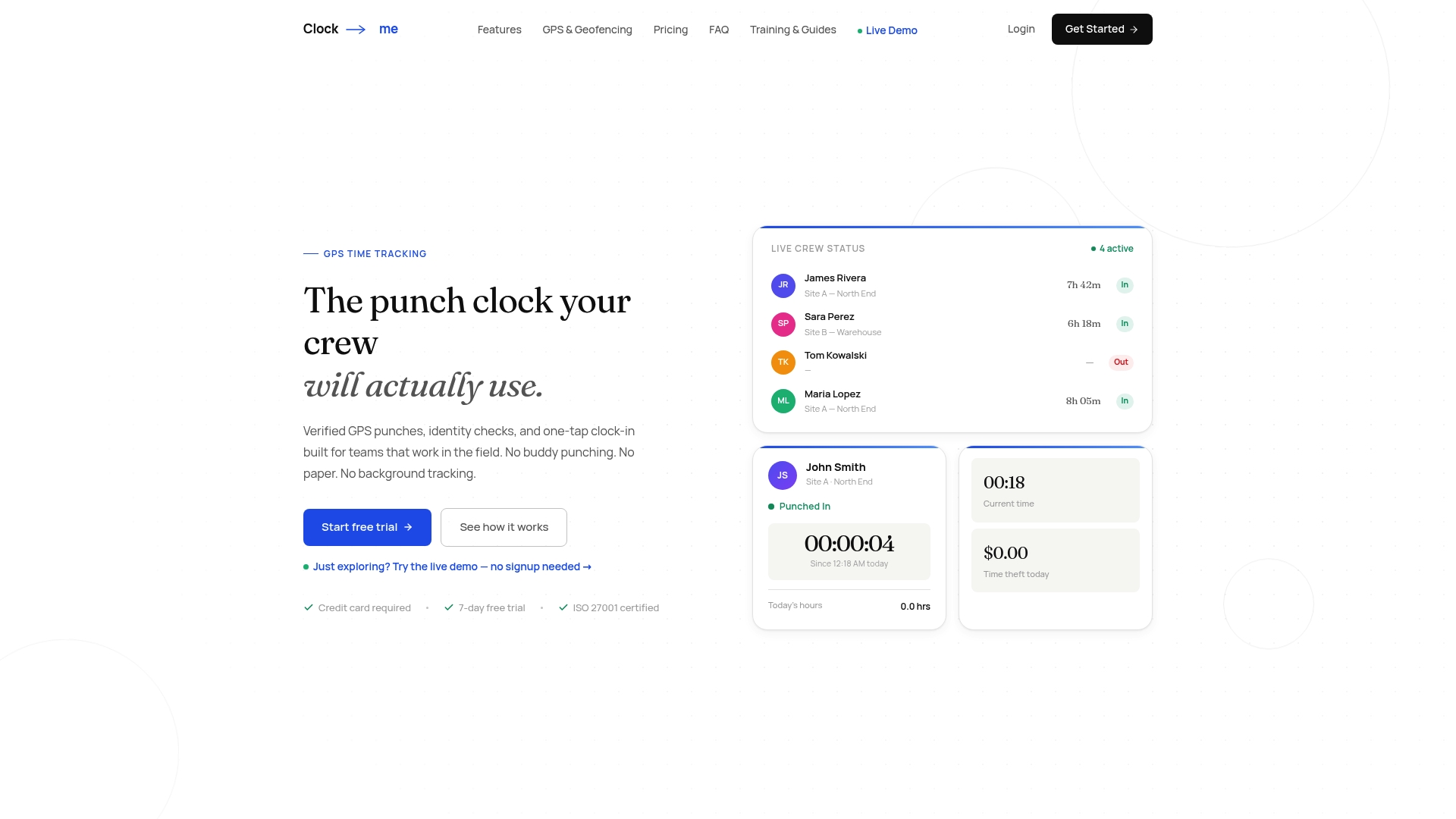
Every attestation gets stored with a timestamp, the saved statement version, and exportable history you can hand over during a labor audit without scrambling to reconstruct records. Role-based permissions keep track of exactly which manager touched a timesheet and why, which matters the moment a dispute turns into a formal wage claim. If you’re ready to see how it fits your crew, the Clock-Me solutions page breaks down plans from the Free tier up through Enterprise, and the get-started guide walks you through a pilot setup in minutes. Run it with one team for 30 days, export an audit pack, and see what your current process is missing.
For the legal basics, check the DOL’s recordkeeping fact sheet, the eCFR’s Part 516 text, and sample clause language from HRCalifornia before finalizing your policy.
Timesheet attestation means an employee is digitally confirming that the hours and breaks recorded on their timesheet are accurate and complete. The DOL’s recordkeeping guidance treats these digital confirmations as acceptable records as long as they’re accurate and preserved properly.
At work, attestation generally means formally certifying that a statement is true, whether that’s hours worked, safety training completed, or policy acknowledgment. In timekeeping specifically, it usually refers to the employee confirming their recorded hours and break compliance before submission.
A common example reads something like: “I attest that the hours recorded on this timesheet are accurate and complete, and that I received all meal and rest breaks required by company policy.” Sample language from HRCalifornia recommends keeping this wording concise and tied directly to your actual break policy.
The purpose is to create contemporaneous, auditable evidence that an employee reviewed and agreed to their recorded hours at the time of submission. That record helps defend payroll accuracy during a wage-and-hour audit or dispute, since it shows the employee had the chance to flag problems before they became payroll errors.
Yes, Clock-Me includes timecard attestation alongside GPS-verified clock-ins, identity checks, and geofencing, with attestation history stored for export during audits. Current plan pricing is listed on the Clock-Me solutions page.

A hands-on checklist for HR and payroll teams to integrate time tracking with payroll: map fields, run a dry run, verify GPS punches, and catch errors...

FLSA timekeeping requirements for employers: six steps to audit ready, auditable records, three year retention, and GPS verified clock ins for defensible...

Use a 6 step admin checklist to run a timecard approval workflow that locks periods, enforces fallback approvers, and reduces field exceptions.