ai labor analytics
AI Labor Analytics for Field Teams: What It Is and How to Use It
AI labor analytics turns punch data into decisions. Learn what it answers, how to verify alerts, and how to set up paperless, GPS-verified tracking.
AI labor analytics turns punch data into decisions. Learn what it answers, how to verify alerts, and how to set up paperless, GPS-verified tracking.
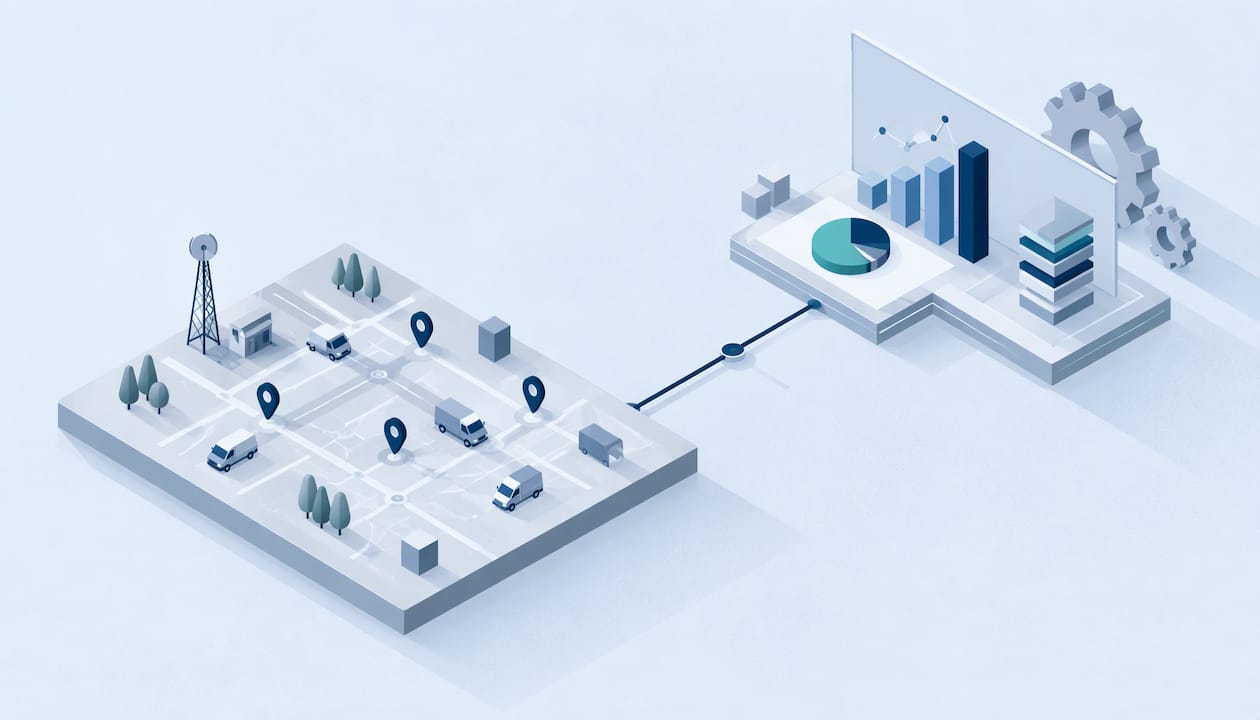
AI labor analytics means using software to read your workforce data, such as punches, locations, schedules and approvals, and to flag patterns a person would miss. For a field team, the practical version is simple: verified time data goes in, and clear answers come out about attendance, overtime, exceptions and staffing. The same idea is also called AI workforce analytics. This guide explains what it can answer, what data it needs, how to check its alerts before you act, and how to set up a paperless process.
The phrase covers two very different things, and search results mix them up. One is macro research: economists asking how AI will change jobs, wages and hiring across the whole labor market. The other is operational: a manager asking what the data from their own crew says today.
This article is about the second. The EU’s occupational safety agency describes AI-based worker management as digital systems that gather data, often in real time, from the workspace, workers and tasks. That data feeds algorithms that make automated or semi-automated decisions, or that simply give information to employers, managers and HR. For a field business, the workspace is a set of job sites, and the data is mostly time and location.
In plain terms, AI labor analytics sits on top of your timekeeping. It does not replace it. If the punches are wrong, the analysis is wrong faster.
People analytics is commonly sorted into four types of question: descriptive (what happened), diagnostic (why it happened), predictive (what is likely to happen) and prescriptive (what to do about it). The same source notes that most HR teams are strong on the first and thin on the last two.
Here is what each looks like for a crew working in the field.
| Question type | Field-team example | Data you need |
|---|---|---|
| Descriptive | Who clocked in at which site this week? How many hours by job? | Verified punches, job or site tags |
| Diagnostic | Why did overtime spike on Thursday? Why are late arrivals clustered at one site? | Punches plus schedules and site data |
| Predictive | Which sites will run past 40 hours per person next week? | Several months of clean history |
| Prescriptive | Which shifts should we move to avoid overtime? | Evidence of what changes worked before |
There is a useful reason the lower rows are harder. Predictive work needs clean history across systems, and prescriptive work needs evidence about which interventions changed outcomes, which most organizations never recorded. So start where you are strong. Get the first two rows right, then add prediction once you have months of reliable data.
Good analysis starts with a short list of fields captured the same way every time:
One published example of an AI integration for time and attendance shows how this plays out. A middleware agent watches for new or submitted timecards and checks them for common errors such as missed punches, overtime miscalculations and conflicting pay codes. It compares them with the company’s policy library. Clean cards are approved automatically, flagged ones go to a manager’s queue, and possible policy violations go to HR.
The design lesson applies to any setup: the AI handles the routine checking, and people handle the exceptions.
Buddy punching is when one worker clocks in for another. In the field it is harder to catch than in an office, because nobody is standing at a shared terminal.

AI-assisted tools look for patterns. Common flags include clock-ins from an unexpected location, repeated rounding in one direction, a run of missed breaks, shifts that regularly run past the scheduled end, and two people punching in from the same device. The same source stresses that anomaly detection works best when it sends the flag to a human rather than acting on its own.
Pattern detection is helpful, but prevention is better than detection. That is why we build the checks into the punch itself:
For a fuller plan on rolling out fraud controls, see our 30 to 90 day attendance fraud detection plan.
An alert is a question, not a finding. A GPS point can drift in a parking garage. A phone can die. A crew lead can legitimately clock in a worker who has no signal. Before you act on a flag, run a short review.
Step four matters more than it looks. Logging outcomes builds the evidence base that prediction later depends on.
If you use predictive models, such as a score for who might be absent, be careful with headline accuracy. One governance guide points out that if 8% of employees are high-risk in a quarter, a model that predicts nobody is high-risk is 92% accurate and completely useless. It suggests starting thresholds of at least 0.65 precision and 0.70 recall for flagged cases. It also warns that managers read risk scores literally, so a score that says 80% but comes true only half the time can push people into interventions they do not need. Ask any vendor how its alerts are measured, and keep a human in the loop for anything that affects a person’s pay or job.
For the follow-up steps once a flag is confirmed, see our guide to resolving attendance exceptions in four steps.
Once your data is trustworthy, analytics can change how you manage. SHRM’s chief data and analytics officer describes advanced analytics as a way to help HR move from reacting to predicting. Deloitte makes a similar point: AI can turn workforce analytics from a reporting function into a decision function by unifying data and surfacing insights on demand.
For a supervisor, that turns into everyday decisions:
Start with one question you actually need answered this month. A dashboard full of charts nobody acts on is just a different kind of paperwork.
Monitoring work time touches employee privacy, and rules differ by place. We write for a global audience, so here is how to think about it by region.
United States. The federal Fair Labor Standards Act requires employers to keep records of hours worked each workday and workweek. Accurate, retrievable time data supports that duty. State rules go further, and California is the best-known example. Our guide to audit-ready timekeeping for California employers covers it. Check with your employment attorney about state rules on biometric data and employee notice before you roll out any identity check.
European Union. A 2025 European Commission study found that there is no legislation tailored specifically to algorithmic management, apart from the platform work directive. Existing laws such as the Working Time Directive apply. The same study notes that some AI systems used at work to perform managerial functions are classed as high risk under the EU AI Act and must meet detailed requirements. If you have EU staff, ask your legal adviser which category your tools fall into.
Good practice anywhere. The EU safety agency warns that intrusive monitoring that collects sensitive data raises privacy concerns and can create anxiety and distrust. It recommends transparency, human control, worker consultation and training. An ILO working paper adds that AI in HR can rely on low-quality or biased data and be programmed in non-transparent ways, which brings legal and practical risks.
In practice, that means:
Our approach follows the same direction: location is checked at clock-in and on random check-ins, without continuous background tracking.
Here is a rollout you can finish in a few weeks. Keep it small at first.
The approach works best when each step feeds the next. Verified punches make the dashboard reliable. A reliable dashboard makes approvals quick. Quick approvals make payroll clean, and months of clean payroll data are what make any later prediction worth trusting. For more on process design, browse our articles on time tracking software and employee attendance systems.
Most conversations about AI in workforce management start with the model. We start with the punch.
A field manager does not need a forecast on day one. They need to know that the person who clocked in is the person on the schedule, that they were at the right site, and that the timecard they approve reflects real work. When those facts are verified at the moment of the punch, every report, alert and payroll export built on top of them becomes more useful.
That is why Clock-Me combines GPS-verified clock-ins, identity verification and geofencing in a single tap, with live dashboards, timecard attestation and approval, and payroll export behind it. We also built in California labor law compliance features, because accurate time records are the first thing an auditor asks for. And we do it without paper timesheets or continuous background tracking, so your crew sees a tool that respects them.
Our view is simple: analytics should help a supervisor make a better decision today, and a person should always make the final call.
Clock-me
Clock-Me is built for teams that work away from a desk. You get verified clock-ins, geofencing, random location check-ins, live dashboards, timecard approval and payroll export in one platform. Plans are priced by the number of active employees. There is a free plan for small teams at $0 per month, and paid plans start with Starter at $31.99 per month, then Growth at $54.99, Business at $99.99, Pro at $224.99 and Corporate at $439.99 per month. Enterprise pricing is not published. See the details on our plans and solutions page, or start at clock-me.com.
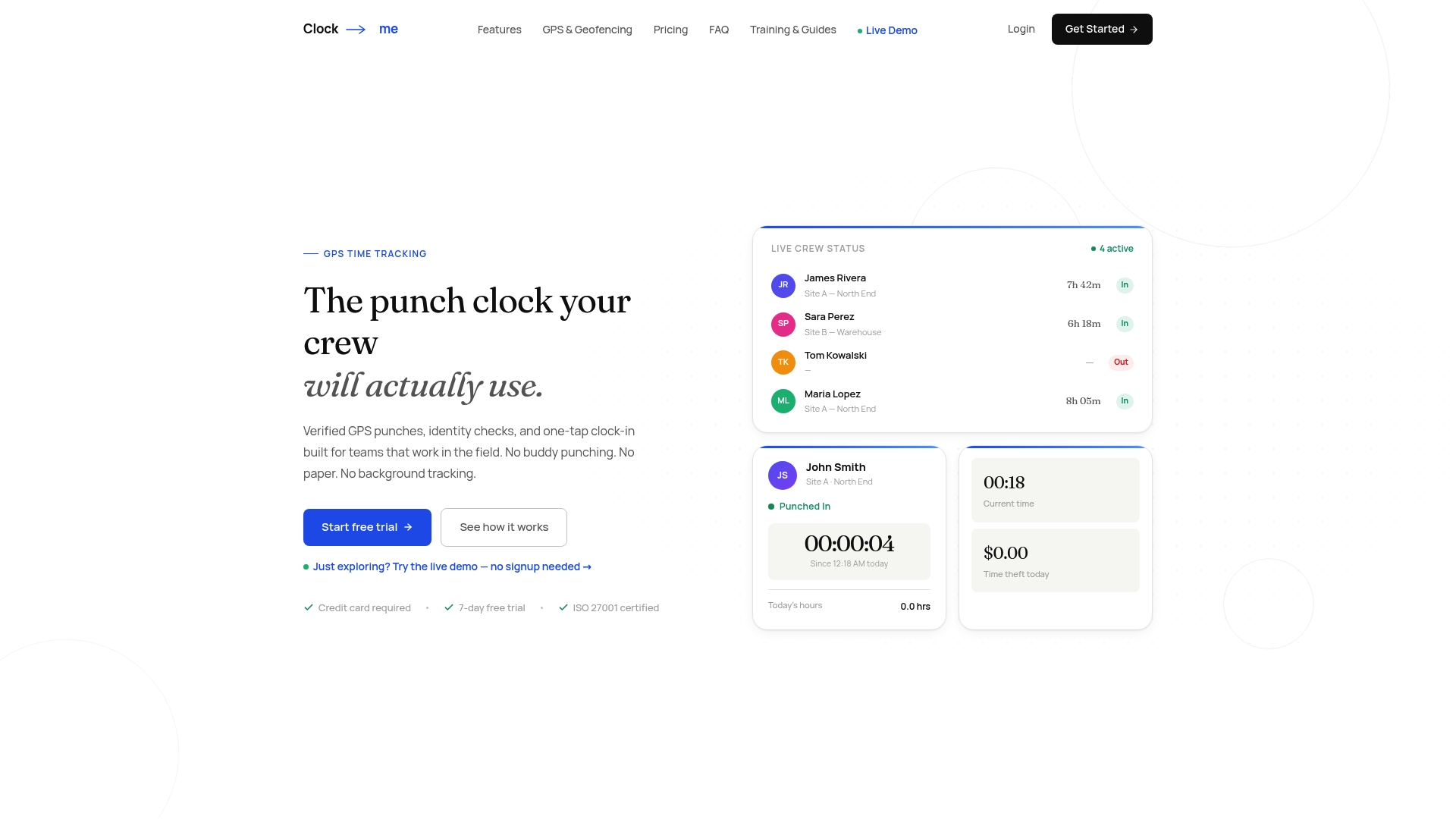
If you have a small crew, the free plan is an easy place to set your first geofence and see your live dashboard.
In everyday use, yes. Both terms describe using AI to analyze workforce data, such as attendance, hours, scheduling and productivity, to support management decisions. Some writers use “labor” for economy-wide research on jobs and wages, so check whether a page is about the market or about your own team.
Not for the basics. Descriptive and diagnostic questions, such as who worked where and why overtime rose, only need a few weeks of consistent, verified punches. Predictive questions need months of clean history, so start collecting it correctly now.
It should not. An alert is a reason to look, and location data can be wrong for ordinary reasons. Review the context, talk with the employee and record the outcome before any action that affects pay or employment.
Put it in writing before launch. Explain what is collected, when it is collected, who can see it and how it is used. Collecting location only at clock-in and on spot checks, rather than all day, makes the policy easier to explain. Ask your employment attorney to review the notice for your state.