android mock location detection
Android Mock Location Detection: How It Works and Where It Stops
How Android mock location detection works: the isMock flag, permissions, root checks, false positives, and how to make field clock-ins trustworthy.
How Android mock location detection works: the isMock flag, permissions, root checks, false positives, and how to make field clock-ins trustworthy.

Android marks a location as mock when an app feeds it through a test location provider, and any app can read that mark. On Android 12 and later (API 31), the check is Location.isMock(). Older versions use isFromMockProvider(). That flag is the strongest single signal you get. It is not the whole answer, because rooted phones and hooking tools can hide it. A trustworthy time clock combines the flag with device checks, geofences and server-side review.
This guide explains what Android exposes, how each signal behaves, what root detection can and cannot tell you, and how to design clock-ins that hold up when someone tries to fake a job site.
isMock() on API 31+, isFromMockProvider() on older versions.Android lets applications submit mock or faked locations through LocationManager. The Location API reference says isMock() returns true when a location is marked as mock. For framework locations, that means a test location provider supplied it. isFromMockProvider() was deprecated in API level 31.
The same page adds a point worth remembering: users can have good reasons to mock their location, so apps should generally reject mock locations only when accepting real locations is essential. A payroll clock-in is one of those cases. A weather app is not.

An app cannot grant itself the ACCESS_MOCK_LOCATION permission. According to the Android framework source, it is signature-protected. The user picks a mock location app in Developer Options from apps that request it. Access is guarded by an app op that is off by default.
This matters for detection in two ways:
Open-source detectors show the common approaches. The MockLocationDetector project uses four methods:
AppOpsManager check for the mock location permission.mock_location system setting.Location object for the mock flag and the extras bundle.Location class fields have not been altered at runtime.It also notes that a Xposed module built to hide mock locations can reduce detection to zero. That is the key limit of every client-side check.
The fake-gps-detect library ranks its signals, and the ranking is a useful mental model:
| Signal | What it checks | Reliability on modern Android |
|---|---|---|
| Legacy mock setting | The old global setting | Low on Android 6+ |
| Known fake GPS app installed | Package presence | Medium |
| Platform mock flag on the latest location | isMock() or equivalent |
High |
The library describes detection as an arms race with rooted devices and custom ROMs, and says to treat the result as a strong hint rather than a guarantee. That is the right framing for a time clock too.
The Tracelet mock detection documentation describes a second level on top of the platform flag. It flags a fix that reports exactly zero satellites with accuracy better than 50 meters. It also flags elapsed-realtime drift greater than 10 seconds or negative drift.
Those checks catch lazy spoofing, but the same documentation warns that external GPS receivers can report zero satellites while being legitimate. A heuristic should raise a score, not block a worker on its own.
A claimed position has to agree with the rest of the phone. Examples of mismatches worth scoring:
In a non-rooted environment, the fact that a mock provider is active is hard to hide from a server-side check. That is why the server should receive the raw signals, not just a yes or no from the phone.
People searching for rooted device detection usually want to know whether root makes clock-in data unreliable. Root matters because root access can be used to hide mock flags, hook APIs and cloak other apps.
The OWASP Mobile Application Security guide on root detection describes the most common method: looking for files typical of rooted devices, such as su binaries in /system/bin, /system/xbin and /sbin, plus BusyBox and Superuser.apk. It also counts custom ROM detection as part of the topic. On Android 11 and later, package visibility restrictions can cause false negatives for package-based checks.
OWASP’s entry on RootBeer lists a broader set: root management apps such as SuperSU and Magisk, root cloaking apps, dangerous packages, test-keys in the build, dangerous system properties, su and BusyBox binaries, and read-write access to system partitions. It uses Java and native code together to make bypassing harder, and it states that no root detection is 100% reliable.

Root detection produces both misses and false alarms:
A fair summary: root is a coarse device-state signal. Plenty of legitimate people run custom ROMs, and plenty of fraud happens on stock phones.
Security engineers who write about this recommend scoring several independent signals rather than one true-or-false flag. One practical write-up on Android fraud signals assigns weights to root artifacts, suspicious mounts, a hooking framework, an unlocked bootloader and permissive SELinux. It says the client should collect evidence while the server makes sensitive authorization decisions.
Another engineer’s guide describes the realistic goal as making tampering expensive enough that casual attackers move on, without punishing legitimate users who happen to have rooted phones.
For a time clock, a graduated policy might look like this:
| Evidence level | Example | Sensible response |
|---|---|---|
| None | Clean device, real location, inside geofence | Accept the punch |
| Low | One weak signal, such as unusual timing drift | Accept and log for review |
| Medium | Mock-provider app present plus a mismatch | Flag the punch, ask for a re-check |
| High | Platform mock flag set, or hooking detected | Hold the punch for manager approval |
The labels are yours to tune. The principle is that the outcome follows the total evidence, and a person can review borderline cases.
Mock location detection is one input. A time clock earns trust when several independent controls have to fail together.
A geofence defines where a punch should happen, so a spoofed coordinate has to land inside the right boundary, not just anywhere. Accuracy varies with the signal. If you set the radius too tight, honest workers get rejected on a cloudy day or beside a building. Our guide to minimum GPS accuracy for clock-ins covers what to set and why, and GPS vs geofencing explains why check-ins do not need a constant stream of positions.
Real GPS is noisy, and noise can look like spoofing. Jumps near tall buildings, for instance, are not fraud. Filtering helps you separate natural error from suspicious jumps, and we cover it in GPS noise filtering. For developers building the checks themselves, fake GPS detection with on-device and server checks goes deeper on GNSS signals.
A perfect location check does not stop a coworker clocking in for someone else. Identity verification at the punch, plus random location check-ins during the shift, closes that gap. Together they cover two different fraud types: a faked place and a faked person. Our piece on field employee location verification for managers shows how to do this without live tracking.
Every punch should store its evidence: the location result, the flags raised, the device signals and who approved any exception. When a manager questions a timecard, the record explains what happened. This also supports timecard attestation, where the employee confirms the hours, and timesheet approval before payroll export.
Location is not the only value a phone can fake. A user can change the device time, so record the server’s receipt time next to the device time and compare. A large gap is a signal worth scoring, in the same way as the elapsed-realtime drift check described above. Keep both values in the audit record so a reviewer can see the difference.
Device checks collect more than a pin on a map, so decide what you need and tell your team. Collecting events at the moment of a punch is easier to defend than a continuous stream. Our article on employee GPS privacy explains the events-not-streams approach and its legal benefits. Pair that with a clear review path: a worker flagged by a weak signal should be able to explain, for example, a custom ROM or an external GPS receiver.
isMock() on API 31+, the older method before that).Perspective
We built Clock-Me for teams who work away from a desk, and we start from a simple belief: no single check should decide whether someone worked. A mock flag can be hidden. A rooted phone can be honest. A good GPS fix can still belong to the wrong person.
That is why we combine verified GPS clock-ins, identity verification, geofencing, random location check-ins and device-based fraud detection in one workflow. Each layer covers what another can miss, and managers see the result on live dashboards instead of sorting through spreadsheets.
We also aim to keep it fair. Our approach avoids paper timesheets and continuous background tracking, so employees clock in with one tap and managers get the evidence they need for California labor law compliance and clean payroll exports.
Clock-me
If you manage a field team and want these layers without building them yourself, Clock-Me brings GPS-verified clock-ins, identity verification, geofencing, random location check-ins and device-based fraud detection into one platform. Managers get live dashboards, timecard attestation, timesheet approval and payroll export.
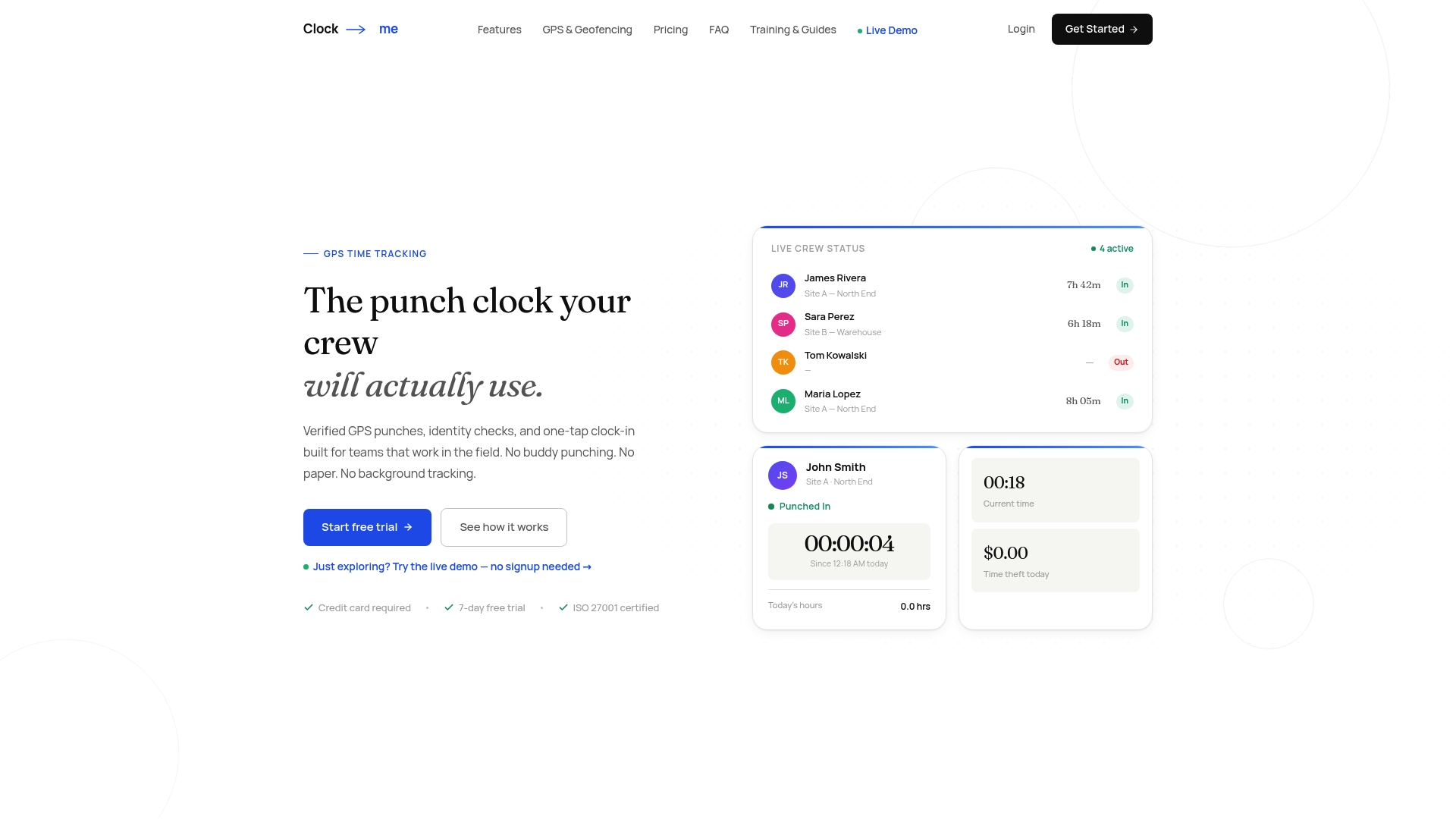
Plans are billed monthly and start with a Free plan at $0 per month for small teams. Paid tiers are Starter at $31.99 per month, Growth at $54.99, Business at $99.99, Pro at $224.99 and Corporate at $439.99, with Enterprise priced on request. Pricing depends on the number of active employees; see the Clock-Me plans for current details, or start from the Clock-Me home page.
No. On a standard device, the platform flag is a high-reliability signal. On rooted devices, hooking tools and Xposed modules can strip the flag before the app sees it. Treat the result as strong evidence and confirm it with server-side checks.
No. Root files can be left by manufacturer ROMs or development setups, and root-hiding tools can conceal real root. Use root as one weighted signal and route higher-risk punches to a manager for review.
Use isMock() on API 31 and later, and isFromMockProvider() on older versions, where it is deprecated from API 31. Since Android 6.0 mock location is granted per app in Developer Options, so the old global setting is not a dependable check.
A geofence defines where a punch should happen, so a spoofed location has to match the job site. Combined with identity verification and random location check-ins, it raises the effort needed to fake attendance.