prevent timesheet edits abuse
How to Prevent Timesheet Edit Abuse in Field Teams
Stop untraceable timesheet edits, buddy punching and after-the-fact changes. Learn the controls, red flags and legal limits that keep field time records trustworthy.
Stop untraceable timesheet edits, buddy punching and after-the-fact changes. Learn the controls, red flags and legal limits that keep field time records trustworthy.

Timesheet edit abuse stops when no one can change a record without leaving a trace, no one approves their own hours, and every punch is tied to a verified person at a verified place. Those three controls take away most of the opportunity. For a field team, the practical way to get all three is a time system that verifies clock-ins at the source, so there is less to “fix” later. Clock-Me’s GPS-verified clock-ins, identity checks, geofencing and timesheet approval are built for that job.
This guide is for managers, supervisors and owners who run crews away from the office. It covers what counts as abuse, which controls work, how to spot trouble early, and where the legal lines sit in the US.
Abuse is any change to a time record that makes it differ from the hours actually worked, for the benefit of whoever made the change. It runs in two directions, and managers often watch only one.
Employee-side. The UK’s NHS Counter Fraud Authority defines timesheet fraud as falsifying a record of hours worked for payment. Examples include inflated hours, misreported breaks or overtime, and a falsified approval signature. Buddy punching, where a coworker clocks someone in who is not there, belongs here too.
Employer-side. A supervisor shaves ten minutes off every shift, trims a crew’s overtime before payroll, or moves hours between jobs. Attorneys writing on FLSA rules note that timecard changes become illegal when they avoid paying overtime, erase time actually worked, or push employees to work off the clock.
Honest corrections. A worker forgets to clock out, a phone loses signal, a crew lead enters the wrong job code. These need fixing. The difference between a correction and abuse is not the edit itself. It is whether the edit is authorized, explained, visible and accurate.

Office staff badge in at one door. Field crews start at different sites, often without a supervisor present. That creates gaps:
The NHS guidance notes that electronic systems give secure, auditable records and fewer opportunities for fraud than paper timesheets, which are easier to manipulate. Moving off paper is the first step, but a digital timesheet that anyone can edit freely is only a tidier version of the same problem.
The same NHS guidance lists the controls that matter most. Here they are in field-team terms, ordered by how much risk each removes.
Shared logins make every edit unattributable. Each employee, supervisor and admin needs a unique account. Where a system offers multi-factor sign-in, turn it on for anyone who can approve or change hours. Block access after repeated failed logins, and remove access the day someone leaves. The NHS payroll guidance says staff access to the timesheet system should stop immediately upon termination.
The cleanest edit is the one that never needs to happen. If a clock-in captures a verified identity and a verified location at the moment it is made, there is little reason to rewrite it later, and little room to claim it was made elsewhere.
This is where Clock-Me works differently from a paper sheet or a plain digital timer. Our platform uses GPS-verified clock-ins, identity verification and geofencing, so a punch is tied to the person and to the job site. Random location check-ins and device-based fraud detection add checks without continuous background tracking.
Every timesheet should be approved by one named person who is not the person whose hours are being approved. That includes supervisors and admins. A common failure is an admin account that can edit and approve its own time. A simple rule closes it: no one approves their own hours, and the approver of record is always visible.
Clock-Me includes timesheet approval, so approval is a step in the workflow rather than an email or a signature on a printout. For more on building that step, see our articles on the timesheet approval process.
Any retroactive change should carry three things: who made it, when, and a reason chosen from a short list (forgot to clock out, wrong job code, signal loss). “Adjusted” is not a reason. The NHS guidance recommends authorized, reason-coded retrospective amendments together with lock periods, so older periods cannot be reopened casually.
A lock period means that once a pay period is closed and exported, changes require a deliberate, documented reopening. Without one, payroll totals can drift after the fact.
If an edit can erase the evidence of the original punch, the control has failed. The record you want shows the original value, the new value, the editor and the time. The NHS lists retrospective changes and a missing audit trail among the system anomalies that indicate fraud. Our article on time tracking audit trails explains why tamper-resistant logs matter to field managers.
Before a timesheet goes to an approver, the employee confirms it is accurate. That does two things. It catches errors while memory is fresh, and it creates a signed statement that makes later disputes easier to resolve. Clock-Me offers timecard attestation for this step.
Automated rules flag what a human eyeballing 40 timesheets will miss: shifts over a set length, overlapping punches, punches outside the geofence, hours entered as round numbers, and edits made after approval. Rules do not accuse anyone. They produce a short list for a manager to review.
| Area | Weak setup | Strong setup |
|---|---|---|
| Logins | Shared tablet or shared password | Unique account per person |
| Clock-in | Self-reported time, any location | Verified identity and GPS location |
| Edits | Overwrite the original | Original kept, reason required |
| Approval | Admin approves own hours | Named approver, no self-approval |
| Closed periods | Reopened by anyone | Locked, reopened with documentation |
| Review | Spot check when something looks off | Exception list every pay period |
Controls prevent most problems. Detection catches what remains. Public-sector fraud guidance offers a reliable list of warning signs, and they apply to any workplace.
Red flags in the records (drawn from the NHS indicators):
Cross-checks that work. Queensland’s Crime and Corruption Commission recommends periodic audits comparing timesheets with other records, such as building or gate access and vehicle GPS. For a field business, that means checking hours against job-site photos, delivery tickets, fuel records or customer sign-offs. The same body notes that proactive supervision matters: managers need to know what people are working on and how long tasks should take.
A weekly routine that takes 20 minutes:
Clock-Me’s live dashboards show attendance as it happens, so supervisors see a missing or late punch the same day, not at payroll close.
The legal line is practical. Employers can fix mistakes. They cannot use edits to avoid paying for time worked.
Recordkeeping basics under federal law. The FLSA requires employers to keep records including hours worked each day and total hours each workweek for covered employees. State rules can be stricter. California Labor Code section 1174 requires payroll records showing hours worked daily and wages paid, kept for at least three years. Rhode Island’s Section 28-14-12, effective January 1, 2026, also sets a three-year retention period for true and accurate records of hours and wages. Alaska’s labor department states that an employer must keep an accurate record of daily and weekly hours, and that a record of scheduled hours alone may not be enough.
What this means for edits. Keep the original punch and the corrected one. If an edit changes what an employee is paid, document why and tell the employee. A change that reduces recorded time with no explanation is the kind that creates wage claims.
Employees may keep their own record. Alaska’s labor department recommends employees keep their own record of hours to check pay against, and it can serve as evidence in a wage dispute. A clean, transparent system helps you here: when your records and an employee’s log agree, disputes end quickly.
California teams. If you employ field workers in California, timekeeping gets audited against meal and rest rules and daily overtime. Our guide to audit-ready timekeeping for California employers covers what records to keep. This article is general information, not legal advice. For a specific wage dispute or an edit you are unsure about, talk to an employment attorney in your state.

Most time padding is handled as a disciplinary issue. It can go further. Time theft is not a specific federal crime, but deliberate falsification of records can become theft or fraud under state law, with misdemeanor or felony classification depending on the dollar amount.
A 2024 Indiana case shows the scale. In Wilson v. State of Indiana, an employee manually altered her timesheet to log 89 hours of unapproved overtime over 10 weeks. The company’s loss was at least $4,182.20, and the Court of Appeals affirmed convictions that included two Level 6 felony theft counts.
For you as a manager, the lesson is evidence. A prosecution or a termination holds up when you can show the original record, the edit and who made it. That only works if your system preserved all three.
Controls fail when they are annoying. Keep the worker’s part to one tap.
Tell your team what the system checks and why. Crews accept verified clock-ins far more readily when they know the same records protect their pay.
Clock-Me is a workforce management platform for teams working in the field. It combines GPS-verified clock-ins, identity verification, geofencing, random location check-ins, live dashboards, timecard attestation, timesheet approval, payroll export and device-based fraud detection, with California labor law compliance features. There is no paper to lose or alter.
Pricing is per month and based on the number of active employees. The Free plan is $0 per month for small teams. Paid plans start with Starter at $31.99 per month, then Growth at $54.99, Business at $99.99, Pro at $224.99 and Corporate at $439.99. Enterprise is available without a published price. See the plans and pricing to match your headcount.
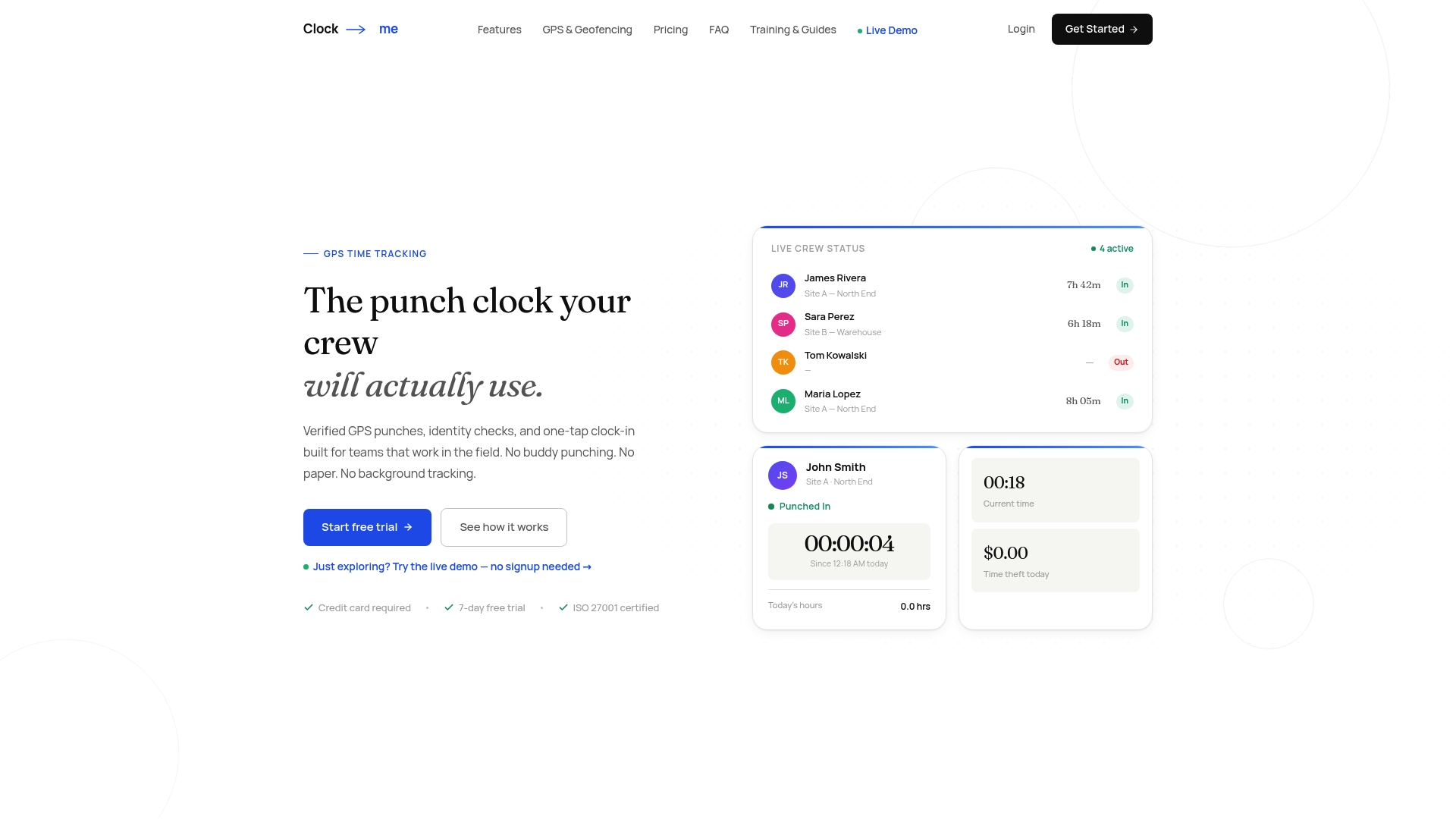
If your timesheets are still paper or open to free editing, start by seeing how verified clock-ins and approval work on the Clock-Me site.
Most advice on this topic starts at the wrong end. It tells you how to catch a bad edit after payroll has already gone out. We think the better place to start is the punch itself.
When a clock-in is tied to a verified person and a verified job site, an honest crew has nothing to correct and a dishonest one has little to work with. That is why we built Clock-Me around GPS-verified punches, identity checks and geofencing, and why we use random location check-ins rather than continuous background tracking. Your crew is not watched all day. The moments that matter are confirmed.
Then comes the second half: approval and accountability. Timecard attestation lets employees stand behind their hours. Timesheet approval puts a named manager in the loop. Live dashboards let supervisors see attendance as it happens, so problems surface in hours and not at the end of the month.
The result is a record you can stand behind with an employee, an auditor or a payroll provider, and a process that stays simple enough for a crew to use on a job site.
Clock-me
Yes, to correct genuine errors such as a missed clock-out or a wrong job code. The edit should be documented, explained and visible to the employee. Edits made to avoid paying overtime or to remove time actually worked are unlawful under the FLSA.
Tie each clock-in to a verified identity and location. Unique logins, identity verification and geofenced GPS punches make it much harder for one person to clock in for another. Clock-Me combines these with device-based fraud detection.
It can be. There is no specific federal time theft crime, but deliberate falsification can be prosecuted as theft or fraud under state law, and the classification depends on the amount. A 2024 Indiana case ended in felony theft convictions for padded overtime.
Require a named approver who is a different person, and give edit rights only to the roles that need them. Review the list of edits regularly and look for anyone approving their own hours. Reason-coded edits with a visible history make this audit quick.
It depends on your state. California requires at least three years for payroll records showing daily hours, and Rhode Island also sets three years. Check your state labor department for the exact period, and keep original punches along with any corrections.